
| sitelink1 | https://uxdesign.cc/good-to-great-ui-ani...50805c12e5 |
|---|---|
| sitelink2 | https://blog.naver.com/ghdduwn0831/221224293981 |
Good to great UI animation tips
Practical suggestions to improve your UI micro-interactions.
Let’s see some examples of UI animations going from good to great. With a little bit of tweaking here and there, you can elevate your UI patterns with animation.
The interactions listed show continuity between states, denote a relationship between shared elements, and call the user’s attention to something they should notice and act upon.
To create these animations, I followed the guidelines from Material Motion, IBM’s Animation Principles, and The UX in Motion Manifesto.
All of the interactions were made using the early-access version of InVision Studio. You can download the source files here.
Make the content in tabs slide.
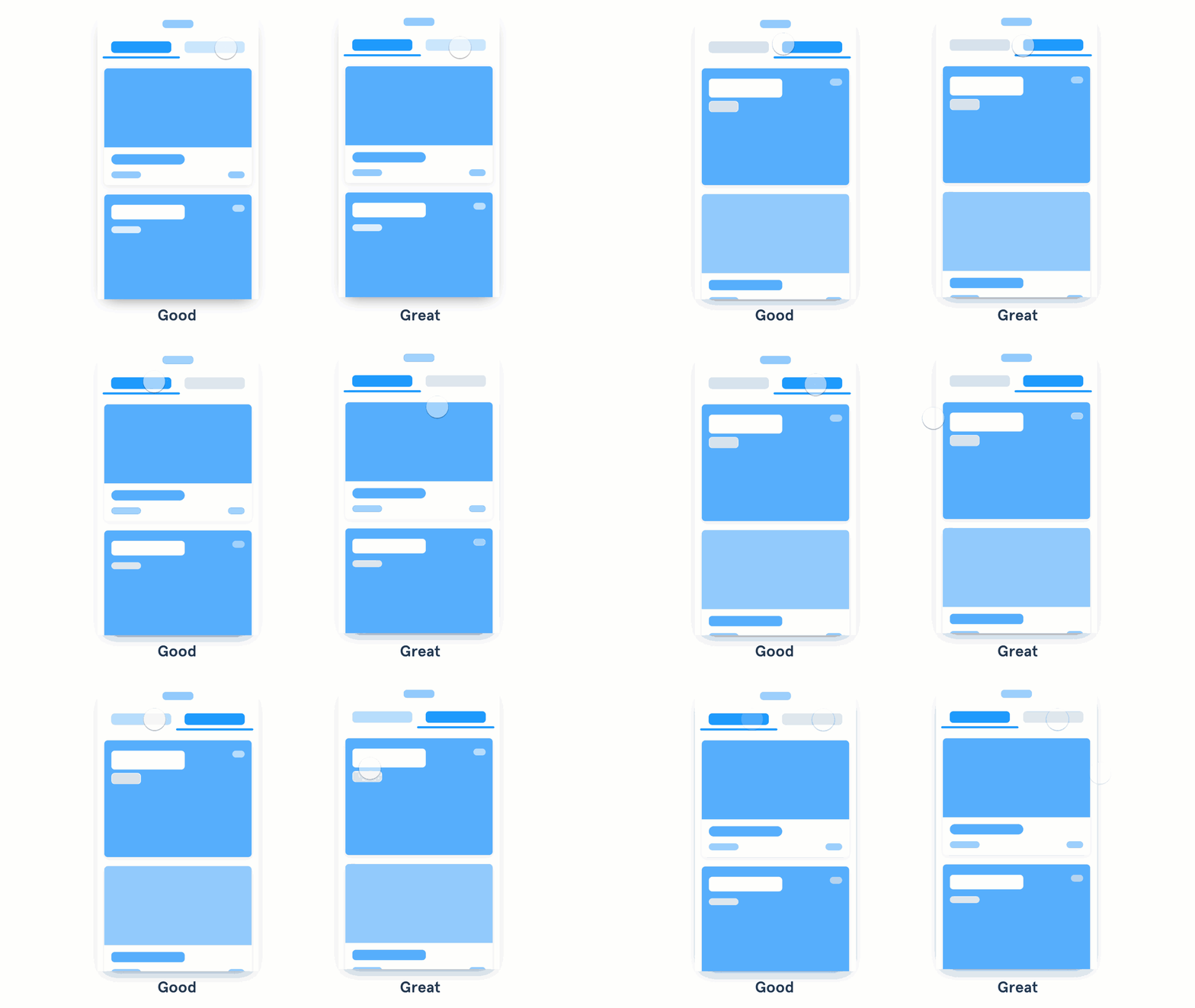
- A good animation fades the content in and out from one state to another.
- A great animation shows continuity in a transition by making the content move between states.
When you design an interaction like a tab or a fly-out menu, try putting the position of the content relative to the action that opens it. This way you can animate not only the visibility of the content but the position too. Oh, and while you’re at it, add a swipe gesture that takes you from one piece of content to the other.
Connect the shared elements of a card.
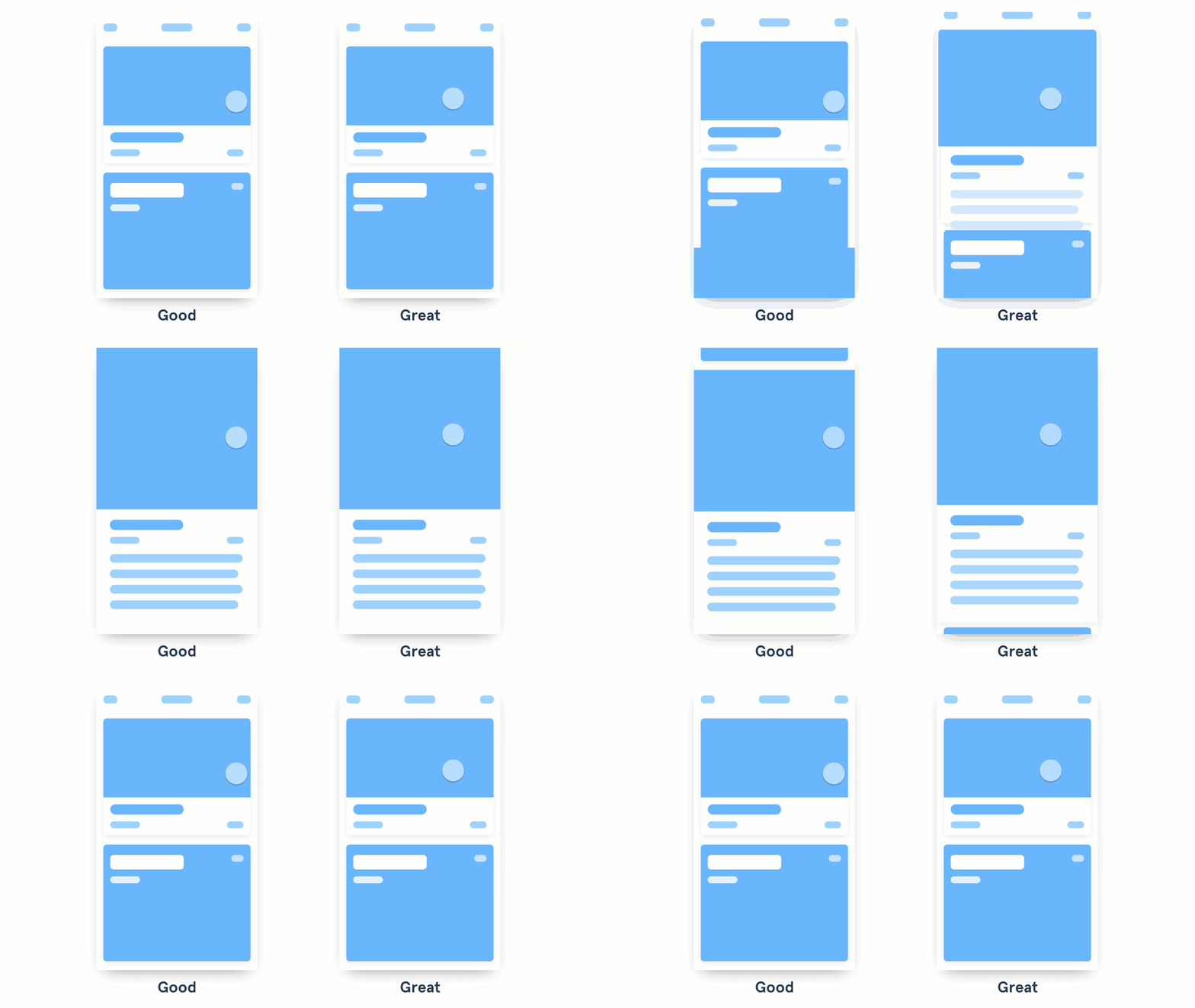
- A good animation uses transitions like push left or slide up to show the content on a detail screen.
- A great animation establishes a connection between two states by animating the shared content.
When animating between different states, see if there are any shared elements between them and connect them. With InVision Studio, components that are repeated between two linked screens are automatically connected when you create a Motion transition. This makes prototyping animations a breeze.
Check out the Motion Manifesto to see the types of animations you can apply. The example above uses a combination of the Masking, Transformation, Parenting, and Easing principles.
Use a cascading effect in your content.
- A good animation changes the position and opacity of the material when it enters the screen.
- A great animation quickly staggers the appearance of each group or element.
To accomplish the waterfall effect, try applying delays to each piece or group of content. Keep the same easing and duration, so it feels consistent. Don’t cascade each little element, though—animate the groups of content. Keep the animation quick and snappy. Google recommends beginning each element no more than 20ms apart. Check out the choreography principle in Material Motion to see more examples.
Make the content push other elements out of the way.
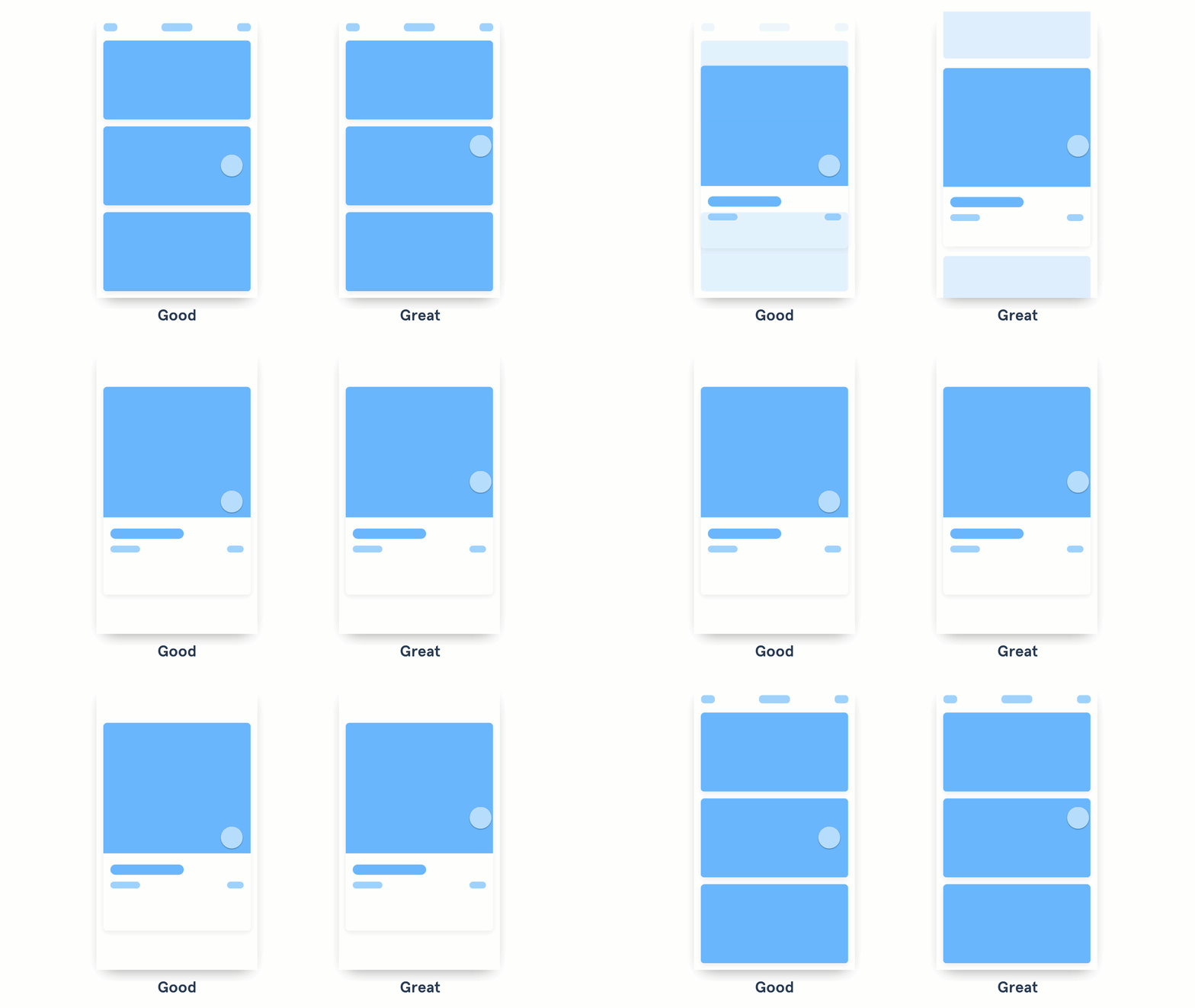

- Good animations move and show elements in context.
- Great animations show elements affecting their surroundings when they change.
Make the elements in your content aware of their surroundings. This means making the content attract or repel the elements around it. For more examples check out the Aware motion principle from Material Design.
Make menus appear in context.
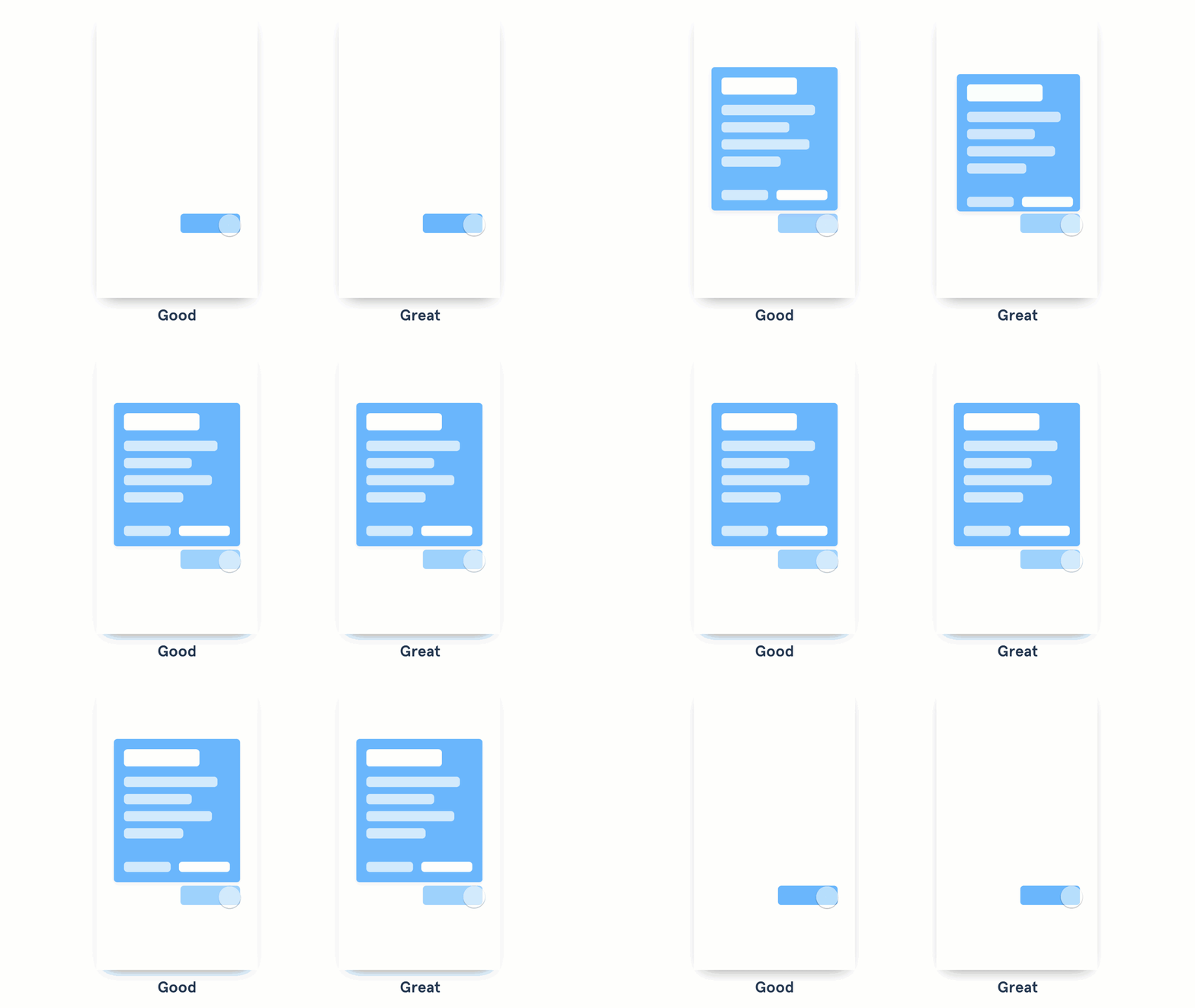
- Good animated menus show the content appearing from the direction of the button that opened them.
- Great animated menus emerge from the action that created them, growing from the point of touch.
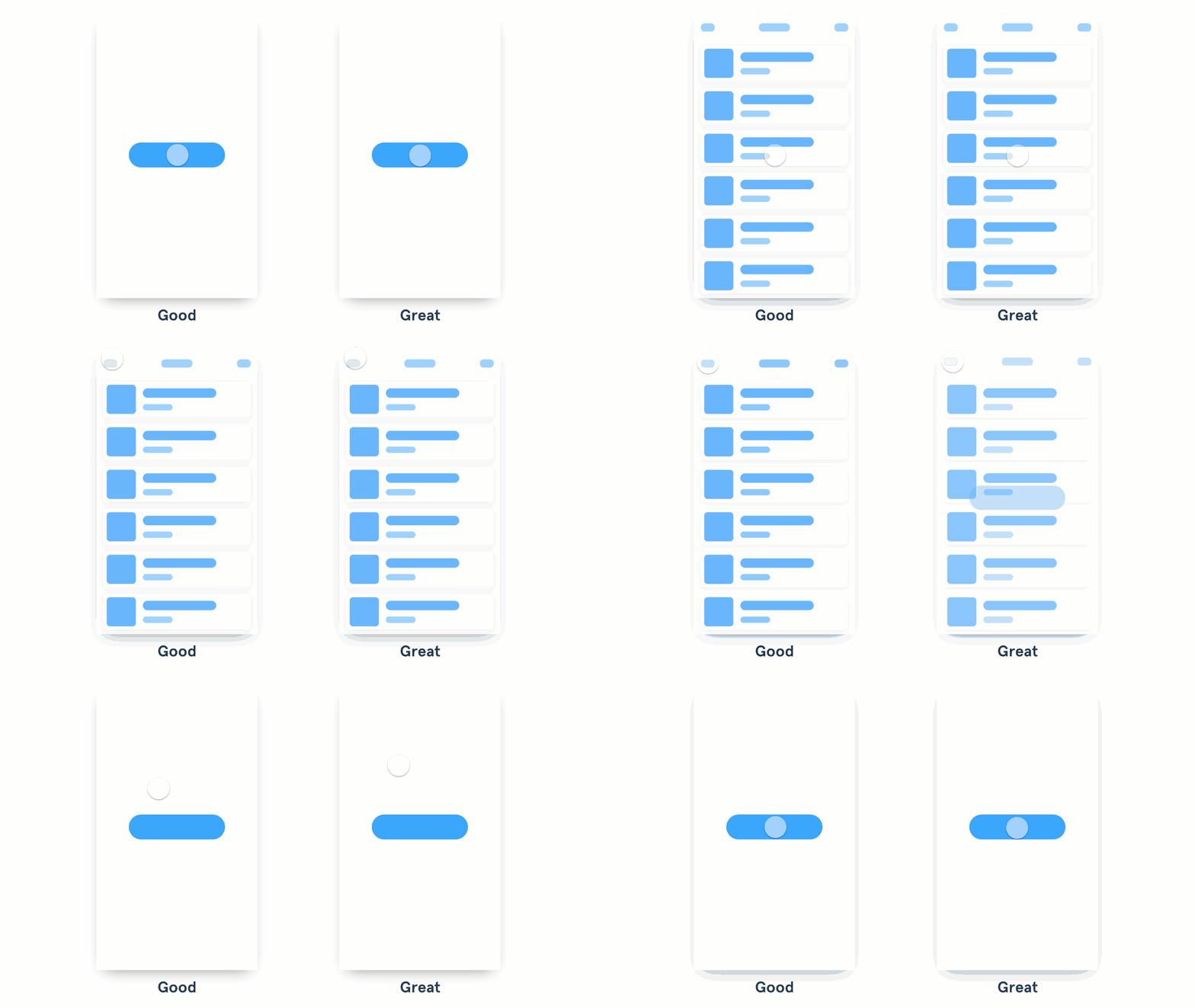
Use buttons to show different states.
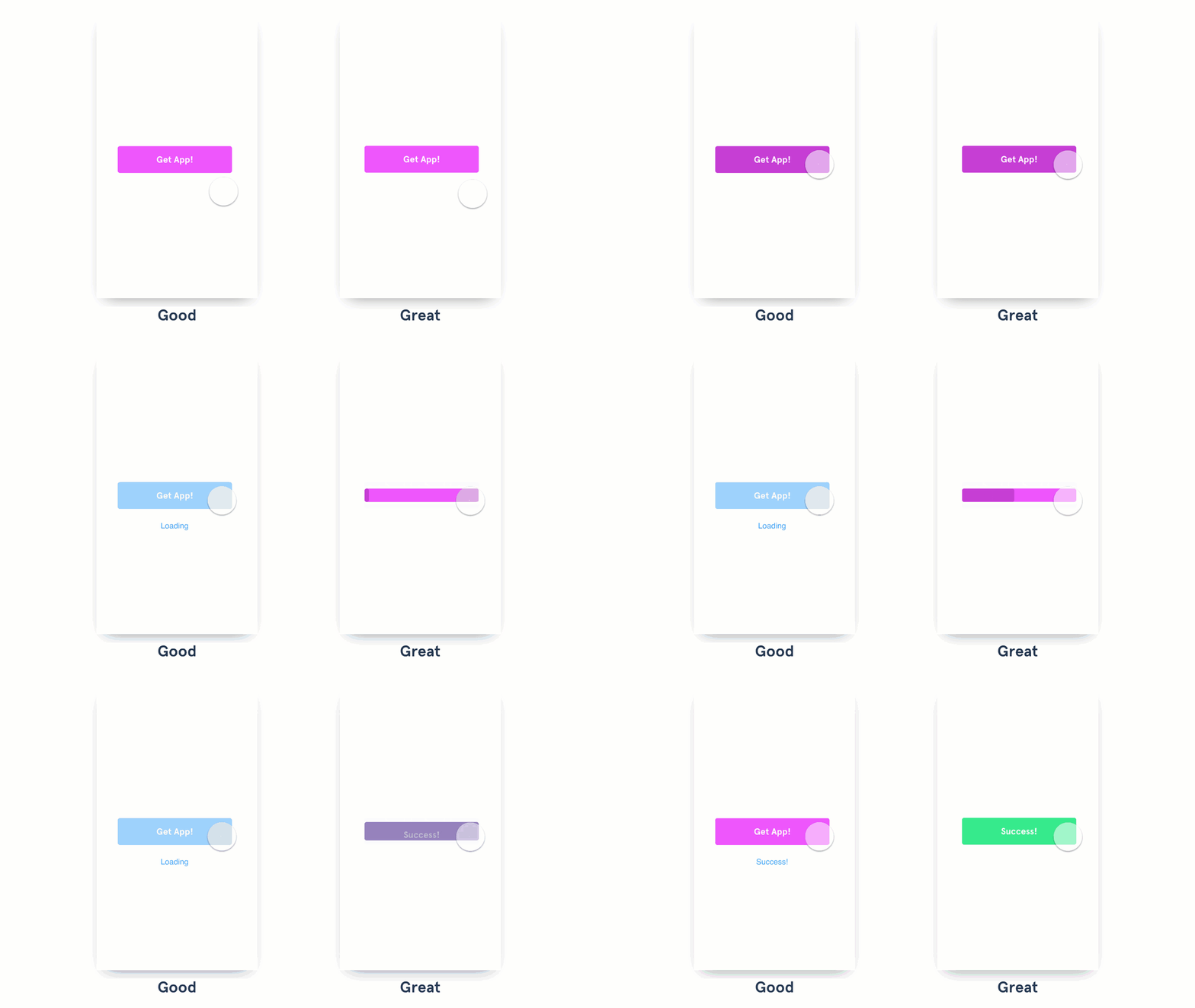
- Good interactions display the events next to the button.
- Great interactions use the button itself to show the different states.
Try using the container of a button to provide visual feedback of a status. For example, you could replace the CTA with a spinner or a loading animation; or you could add an animation to the background showing progress. The solution is up to you, the idea is to use the space the user is already interacting with. Bonus points if you use the button color and copy to confirm a success state.
Bring attention to something important.
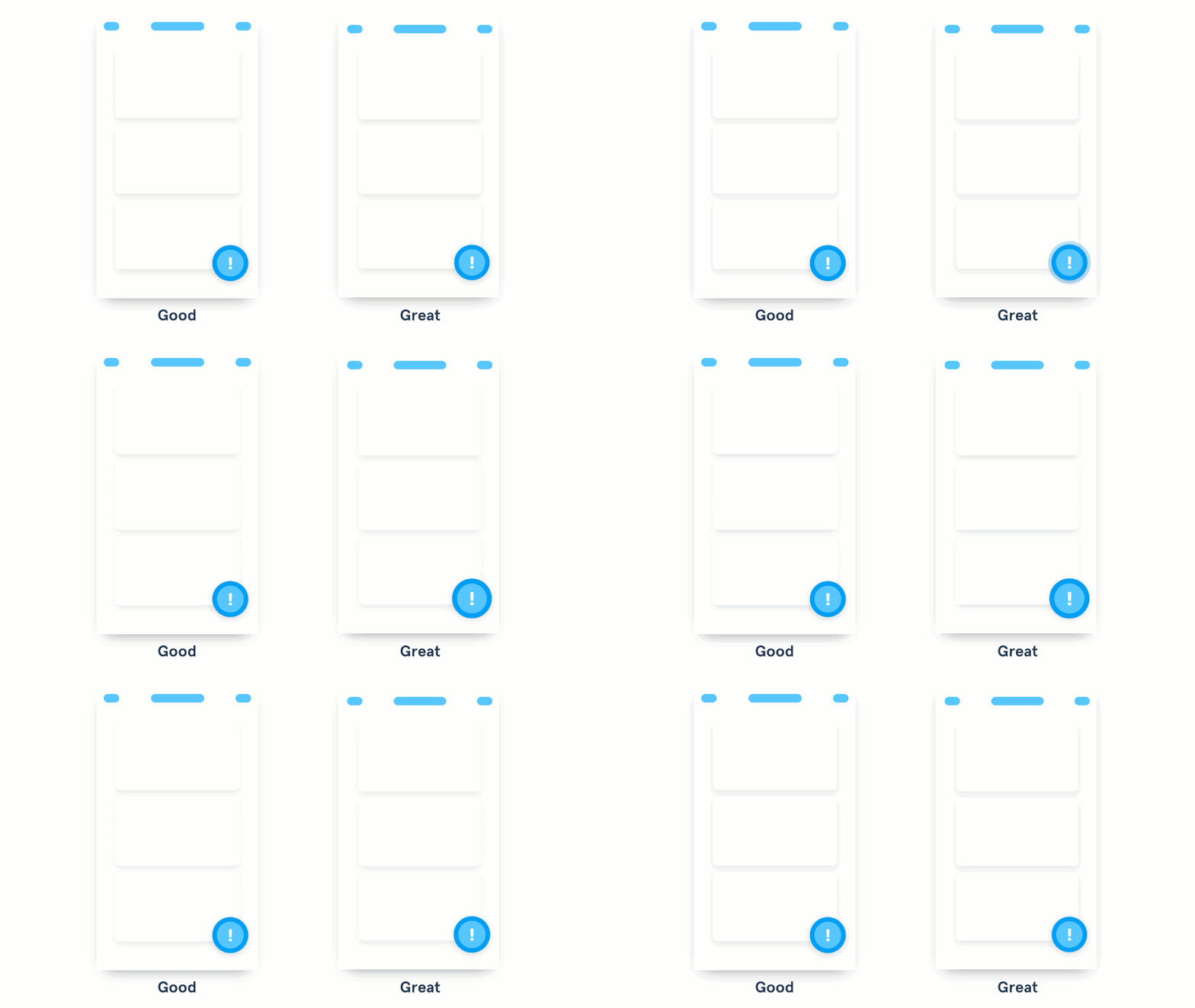
- Good design uses color, size, and position to highlight an important action the user needs to notice or act upon.
- Great design uses animation to bring attention to that important action, without being disruptive.
When the user needs to act on something important, try animating the actions to attract their attention. Start with a subtle animation and increase the intensity (change of size, color, and speed) in relation to how important the action is. Use this only for critical actions—the more you use this effect, the less impactful it becomes… and the more annoyed your user gets

